T
Rich text, with restraint
Choose fonts and sizes, apply color and highlight, tune paragraph spacing, and work with headings, lists, alignment, and indents.
Texelier for Mac
Texelier is a focused, local-first editor for the documents that move work forward. Open, write, format, save, export, and print DOCX files with a familiar Mac experience.
No account. No cloud sync. Your files stay where you choose.
Made for real documents
From a one-page letter to a structured proposal, Texelier gives everyday document work a clear, capable home.
Choose fonts and sizes, apply color and highlight, tune paragraph spacing, and work with headings, lists, alignment, and indents.
Build, select, merge, split, and format tables with borders, fills, and practical cell-level controls.
Set margins, create headers and footers, add page numbers, and use page breaks to keep long documents composed.
Find and replace text, add comments, use snapshots, and navigate longer documents through an outline.
Place images, add captions, build lists, and create documents that remain easy to scan and present.
Save a DOCX, export a PDF, or use the native macOS print panel when the document is ready to leave your desk.
A calmer workflow
Texelier is not a full office suite. It is a thoughtful place to handle the visible work that most documents require.
Built around your files
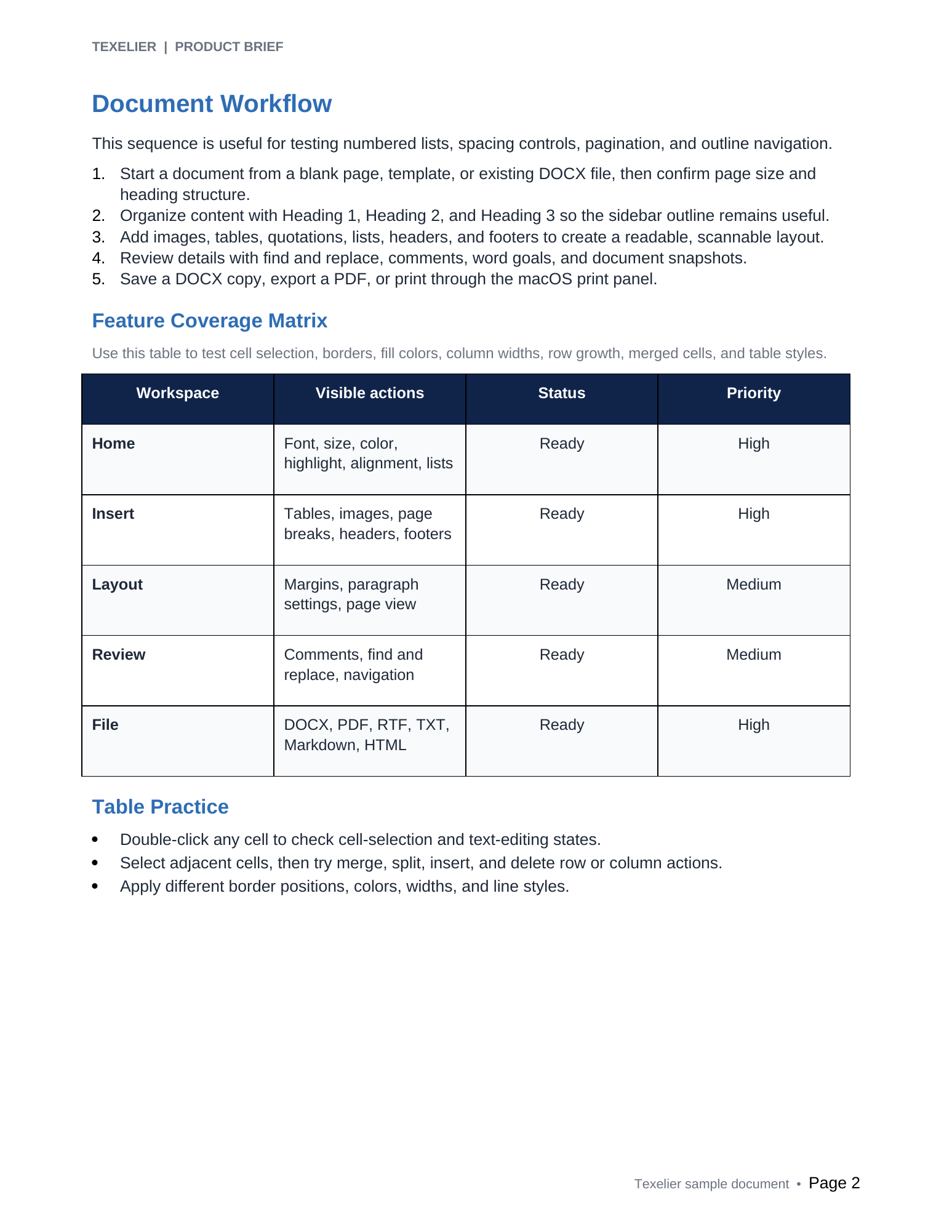
Texelier focuses on common desktop document formats and local file workflows, so the work can move forward without moving somewhere else.
Work with native Texelier files and common Word-compatible DOCX documents.
Make a PDF copy for sharing, or send the document to the standard macOS print panel.
Bring in or send out useful text formats for notes, web content, and lightweight handoff.
Texelier does not require a sign-in, built-in cloud service, advertising, tracking, or an ongoing subscription.
Texelier is built for writers, students, teams, and anyone who wants a clearer way to work with DOCX documents on a Mac.